%20(300%20x%20100%20px)%20(7)-1.png?width=300&height=100&name=6S%20Consulting%20(676%20x%20445%20px)%20(300%20x%20100%20px)%20(7)-1.png)


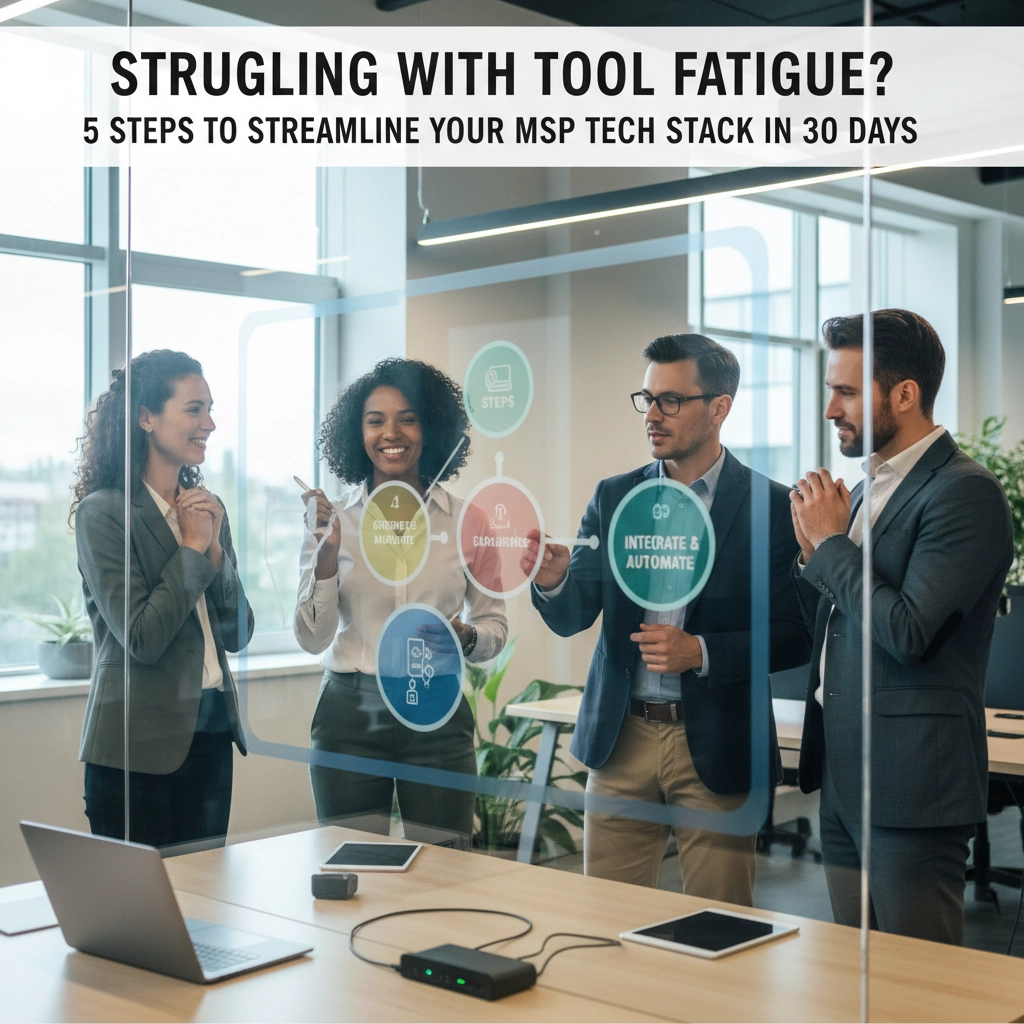
If you're running an MSP and feel like you're drowning in a sea of disconnected tools, alerts, and dashboards, you're definitely not alone. 89% of MSPs struggle with integrating their security tools, and more than 56% experience daily or weekly alert fatigue. When your team is constantly jumping between platforms, chasing false positives, and trying to make sense of fragmented data, it's no wonder productivity takes a hit.
The truth is, most MSPs didn't plan to end up with such complex tech stacks. Tools get added one at a time, a new monitoring solution here, a specialized security tool there, until suddenly you're managing 15+ different platforms. Your technicians are spending more time switching contexts than actually solving problems.
But here's the good news: you can start making meaningful progress toward a streamlined tech stack in just 30 days. It won't solve everything overnight, but you'll establish momentum and see immediate improvements in team efficiency and alert fatigue.
Step 1: Complete Your Comprehensive Tool Audit (Days 1-5)
Before you can fix the problem, you need to see it clearly. This isn't just about listing every tool you use, it's about understanding the true cost and impact of your current tools.
Create a detailed inventory that includes:
- Every software tool, platform, and system your team uses daily
- Monthly/annual costs for each (including hidden costs like training time)
- Number of alerts generated per tool per day
- Time spent per technician switching between tools
- Overlapping functions between different platforms
Track alert volume and quality for each tool. You'll likely discover that a small number of tools are generating the majority of your noise. Document which alerts actually lead to actionable work versus those that are just creating noise.
Calculate switching costs. Research shows workers lose over 44 hours annually just from unnecessary platform switching. For each technician, estimate how much time they spend navigating between tools rather than solving problems.

Step 2: Identify Consolidation Opportunities (Days 6-12)
Now that you have clear visibility into your tech stack, it's time to shift from a tool-focused mindset to an operations-focused approach. Instead of asking "what tools do we have," start asking "what business outcomes do we need?"
Map tools to business functions. Group your tools by the core functions they serve:
- Network monitoring and alerting
- Security incident detection and response
- Ticketing and client communication
- Backup and disaster recovery
- Asset management and documentation
Identify redundancies and gaps. You'll probably find multiple tools doing similar jobs with slightly different approaches. Mark these for potential consolidation. Also note any critical gaps where you're manually bridging connections between systems.
Prioritize by pain points. Focus first on the tools causing the most friction. If your team dreads using a particular platform or constantly complains about false alerts from a specific tool, those are prime candidates for replacement or elimination.
Calculate the real cost of tool sprawl. Factor in not just licensing costs, but integration complexity, training overhead, and the cognitive load on your team. Often, paying more for a unified solution saves money in hidden operational costs.
Step 3: Research and Evaluate Replacement Solutions (Days 13-19)
With clear consolidation targets identified, you can now research solutions that address multiple needs with a single platform. The key is finding tools that eliminate context switching while improving functionality.
Start with integrated suites from established vendors. Look for platforms that combine multiple functions, like unified monitoring, alerting, and ticketing, rather than best-of-breed point solutions. Yes, you might sacrifice some specialized features, but you'll gain operational efficiency.
Evaluate automation capabilities. Modern MSP platforms should reduce manual work, not create more. Look for solutions that can automatically correlate alerts, suppress duplicates, and even suggest or implement remediation actions. The goal is fewer, smarter alerts that actually require human attention.
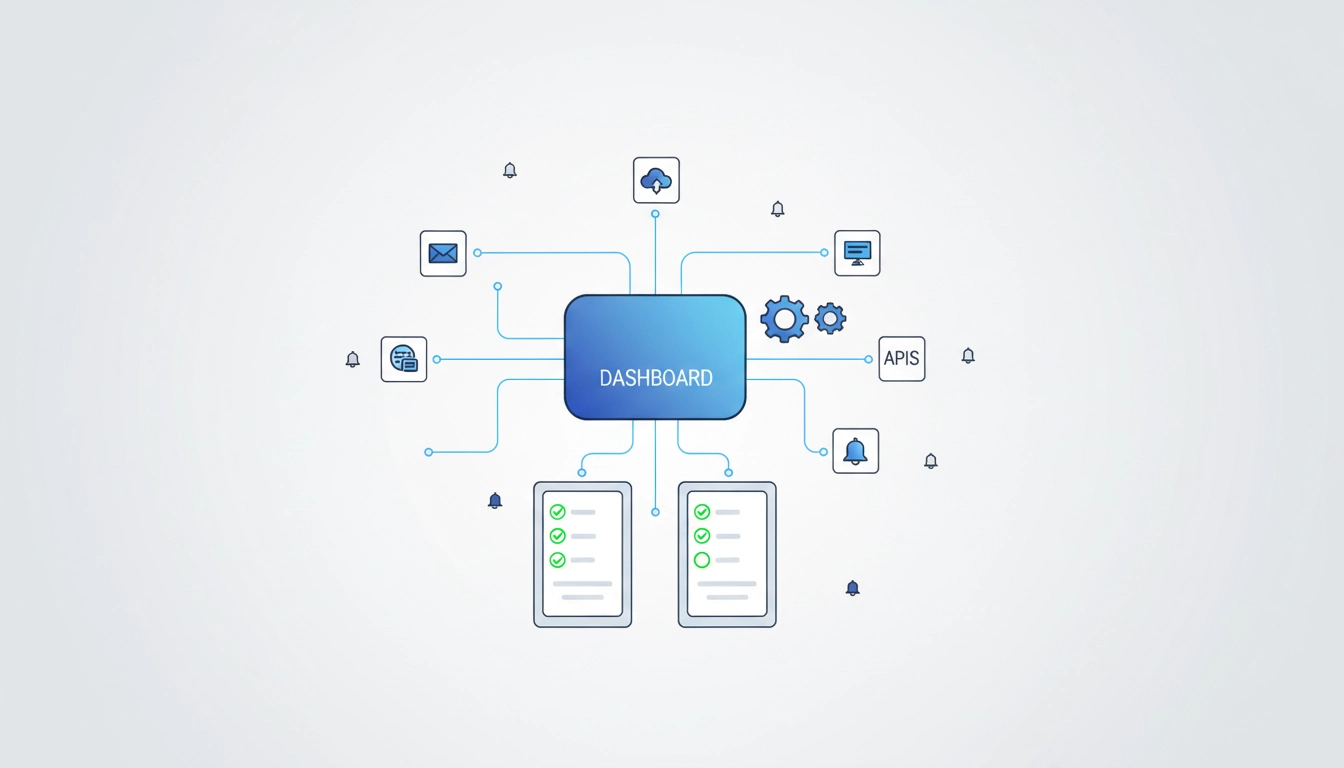
Test integration capabilities. Even with consolidated platforms, you'll still need some specialized tools. Ensure any major platform you're considering has robust APIs and pre-built integrations for critical systems you can't replace.
Check references from similar MSPs. Don't just read marketing materials: talk to MSPs of similar size serving comparable client bases. Ask specific questions about alert volume, false positive rates, and how the platform performs during high-stress incidents.
Step 4: Create Implementation Roadmap and Begin Rollout (Days 20-26)
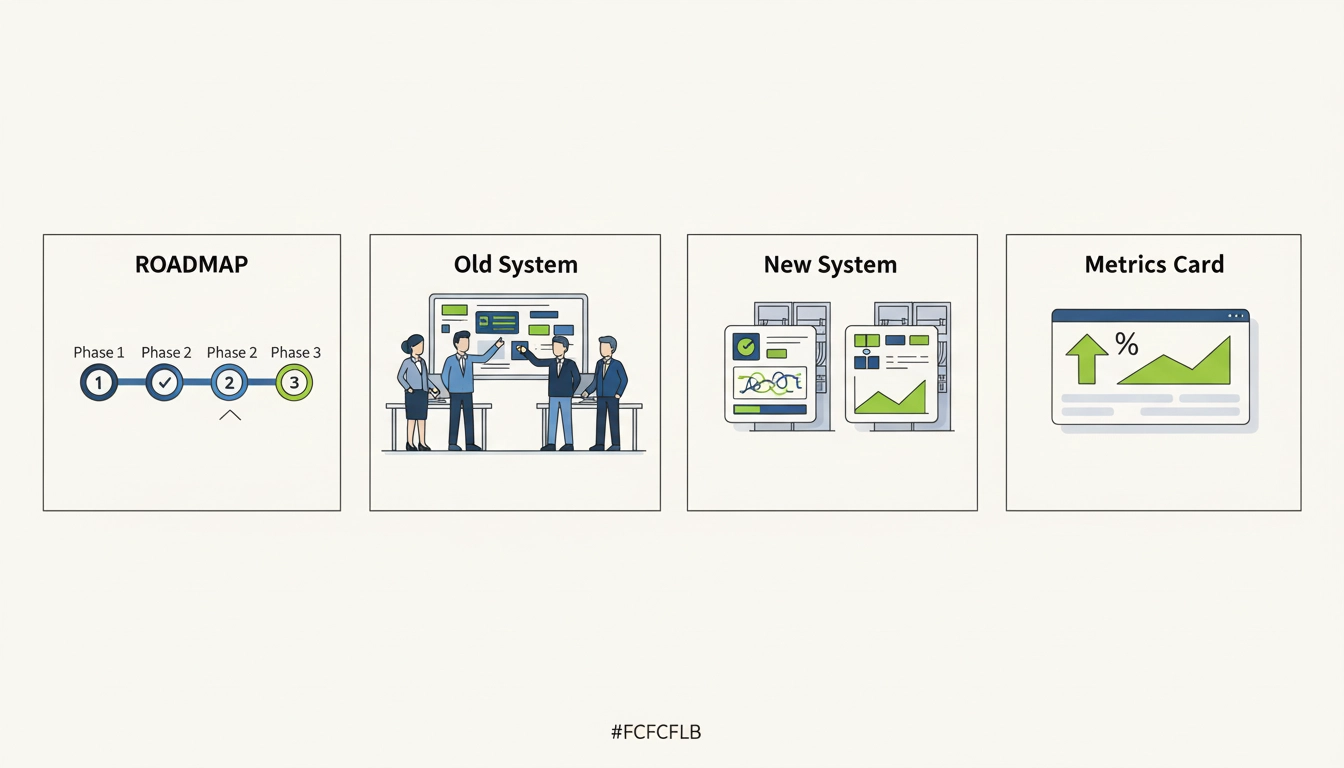
Rather than attempting a big-bang replacement, plan a phased approach that maintains service levels while gradually improving operations.
Start with non-critical systems. Identify tools that, if temporarily unavailable, wouldn't impact client service. These are perfect testing grounds for new platforms. Your team can learn the new system without pressure, and you can refine processes before moving critical functions.
Establish parallel operations initially. Run new tools alongside existing ones for at least a week. This lets you validate that the new platform catches everything the old system did, while providing a safety net if issues arise.
Train in small groups. Don't try to train your entire team at once. Start with your most adaptable technicians, let them become power users, then have them train others. This creates internal champions and reduces resistance to change. Do not under estimate this step, a well trained and informed team increased adoption, and maximizes ROI.
Document new procedures immediately. As you discover better ways to handle common tasks in the new platform, capture these as updated procedures. This prevents teams from reverting to old habits and ensures everyone benefits from improved workflows.
Set measurable goals. Define success metrics like "reduce daily alerts by 30%" or "decrease average ticket resolution time by 15 minutes." Track these weekly to ensure your streamlining efforts are delivering real results.
Step 5: Establish Ongoing Optimization Process (Days 27-30)
The final step isn't really final: it's about creating sustainable improvement processes that prevent future tool sprawl and maintain your streamlined operations.
Schedule monthly tech stack reviews. Block time each month to review alert volumes, tool usage patterns, and team feedback. This prevents gradual drift back toward complexity and helps you spot opportunities for further optimization. This isn't hours of analysis, it's a check, does the system still serve you?
Create approval criteria for new tools. Before anyone can add a new platform to your stack, require them to answer: What specific business need does this address? What existing tool(s) could this replace? What's the integration plan? This simple gate prevents impulse additions that create future complexity.
Implement continuous alert tuning. Modern platforms can learn from your team's actions and automatically adjust alert thresholds. Enable these features and review their recommendations regularly. The goal is alerts that get more accurate and relevant over time, not just more alerts.
Track technician satisfaction. Your team's experience with tools directly impacts client service quality. Regular check-ins about tool frustrations or workflow improvements often reveal optimization opportunities that metrics miss.
Plan the next phase. Use your 30-day experience to plan the next round of improvements. Maybe it's consolidating additional tools, implementing more automation, or improving integration between remaining platforms.
Transform Tool Overwhelm into Operational Excellence
Streamlining your MSP tech stack isn't just about reducing costs: it's about creating an environment where your team can focus on high-value work instead of fighting with disconnected tools. When technicians spend less time chasing false alerts and switching between platforms, they can deliver better service to clients and find more satisfaction in their work.
The 30-day approach outlined here won't solve every integration challenge overnight, but it will establish momentum toward a more manageable, efficient operation. Most importantly, it creates processes that prevent future tool sprawl and maintain the improvements you've worked to achieve.
Ready to start streamlining your operations and reducing the chaos in your tech stack? 6S Consulting specializes in helping MSPs transform overwhelming tool collections into efficient, integrated operations. We've guided dozens of MSPs through successful consolidation projects that reduce alert fatigue while improving service quality.
Contact us today to discuss how we can help you create a tech stack that works for your team instead of against them. Your future self (and your technicians) will thank you.